Resolution scaling
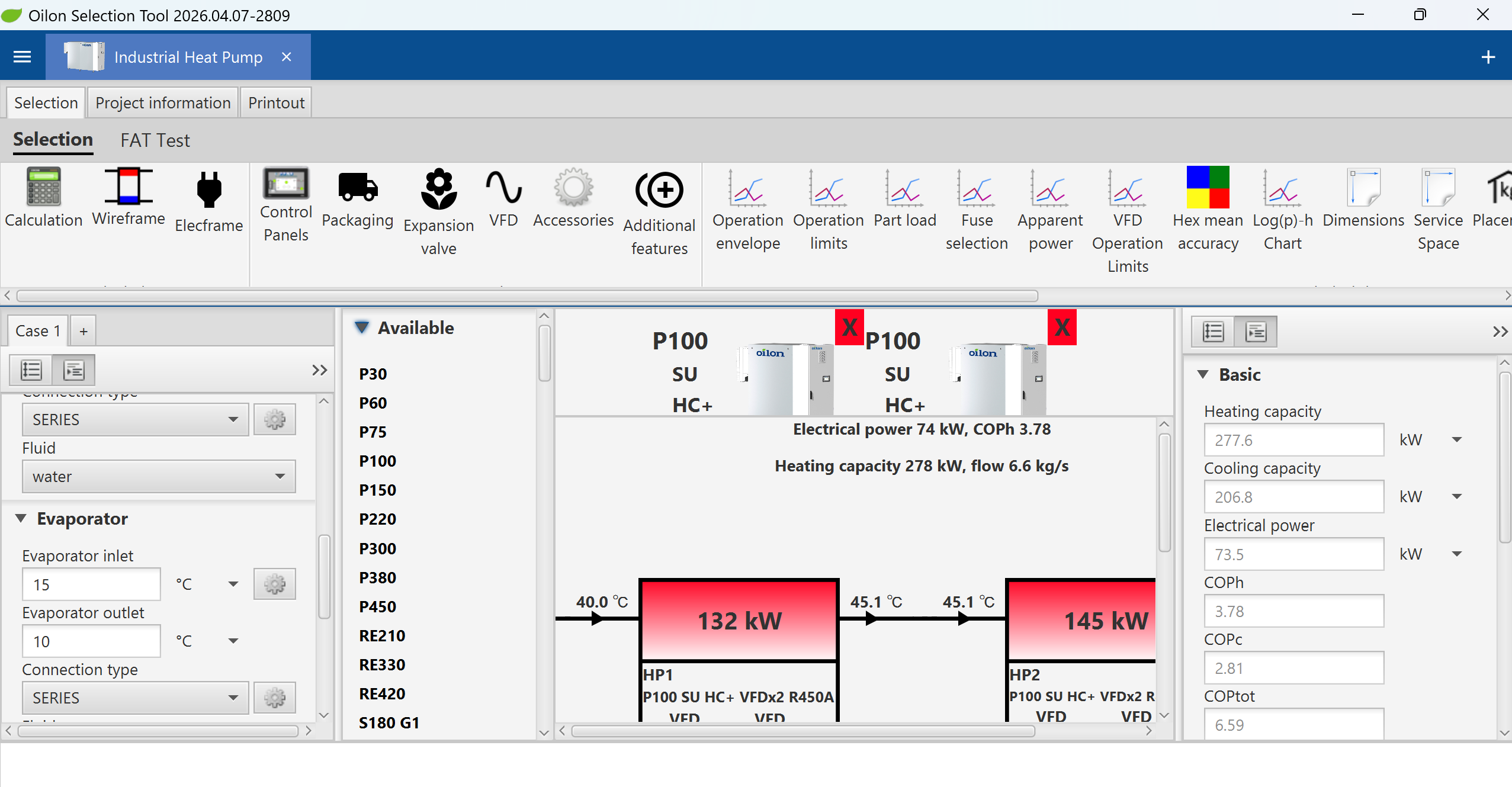
If your OST looks like the image below, you have resolution scaling enabled in Windows display settings rendering the OST user interface quite useless.
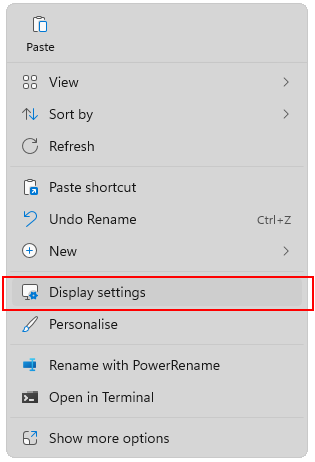
In order to fix this, right click on your Windows desktop and select Display settings
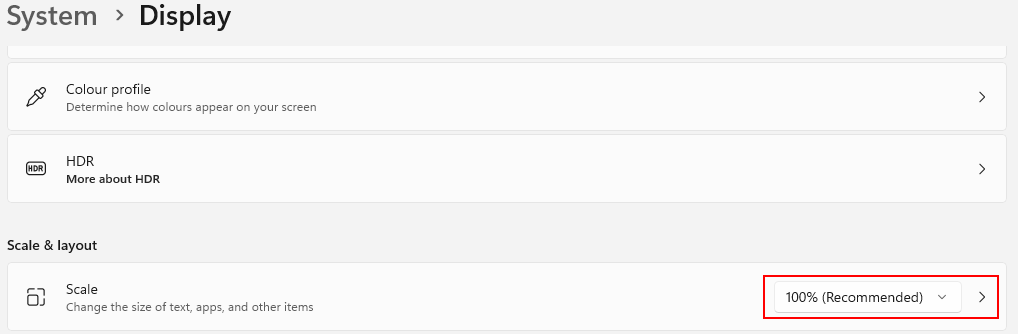
Next, find the section where the Resolution scaling is set and change it to 100 %. Restart OST and the user interface should now be much more usable.